
Grand Larceny Auto II
Context
Section titled “Context”Grand Larceny Auto II follows the same basic setup as the first room: a small C# game built with Godot, with the important logic still recoverable from its packaged project. This time, though, the vault was connected to a web server and the heist had to be reported through a sequence of signed HTTP requests.
I first tried the supplied Linux build in Kali. The Vulkan renderer repeatedly crashed, while GL compatibility left the game almost completely white. Rather than spend the room troubleshooting graphics drivers, I switched to the Windows build. It ran normally and showed the outline of the new objective in the HUD: reach heat5, rob three stashes in a session-specific order, visit the vault, then claim the result.
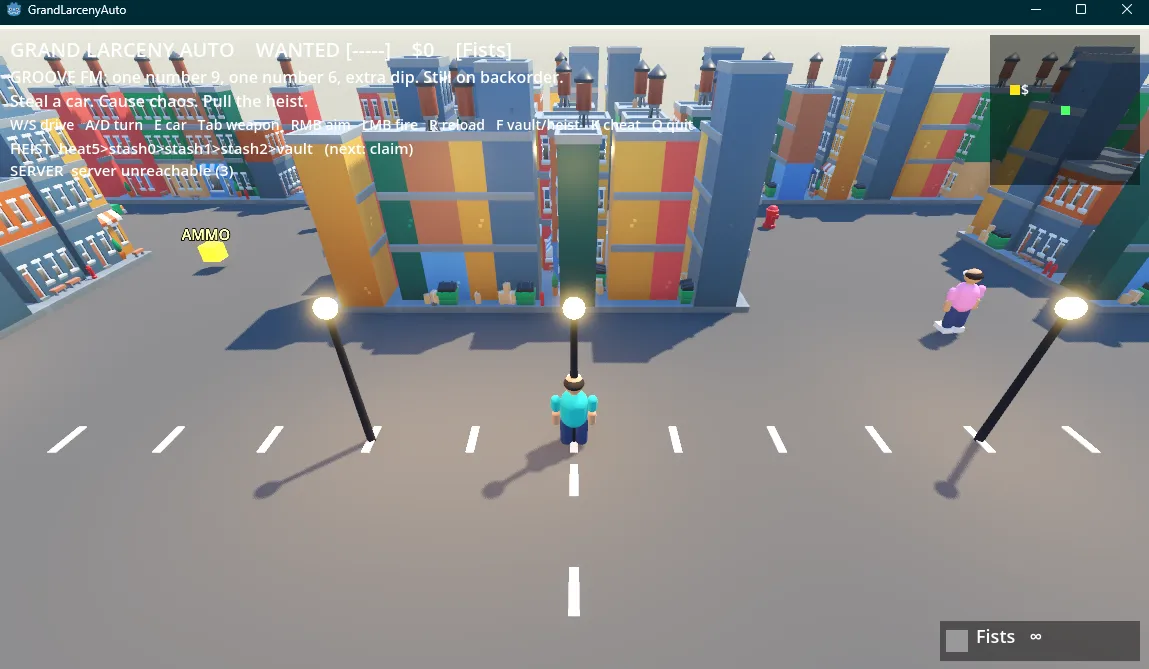
After connecting the VPN, I added the room hostname to my hosts file and confirmed that it resolved:
<TARGET_IP> gla2.thmping gla2.thmThe network setup was the easy part. The first ping happened while the connection was still settling and timed out, but the next one received replies. From there the interesting work moved into the game scripts and the server protocol.
Back into the Godot project
Section titled “Back into the Godot project”The decompilation was nearly identical to the first Grand Larceny Auto room. I used GDRE Tools, a set of Godot reverse-engineering utilities, to recover the project and inspect its C# scripts. The recovered tree contained eight useful classes, including GameController.cs, SafehouseVault.cs, and a new PoPClient.cs.
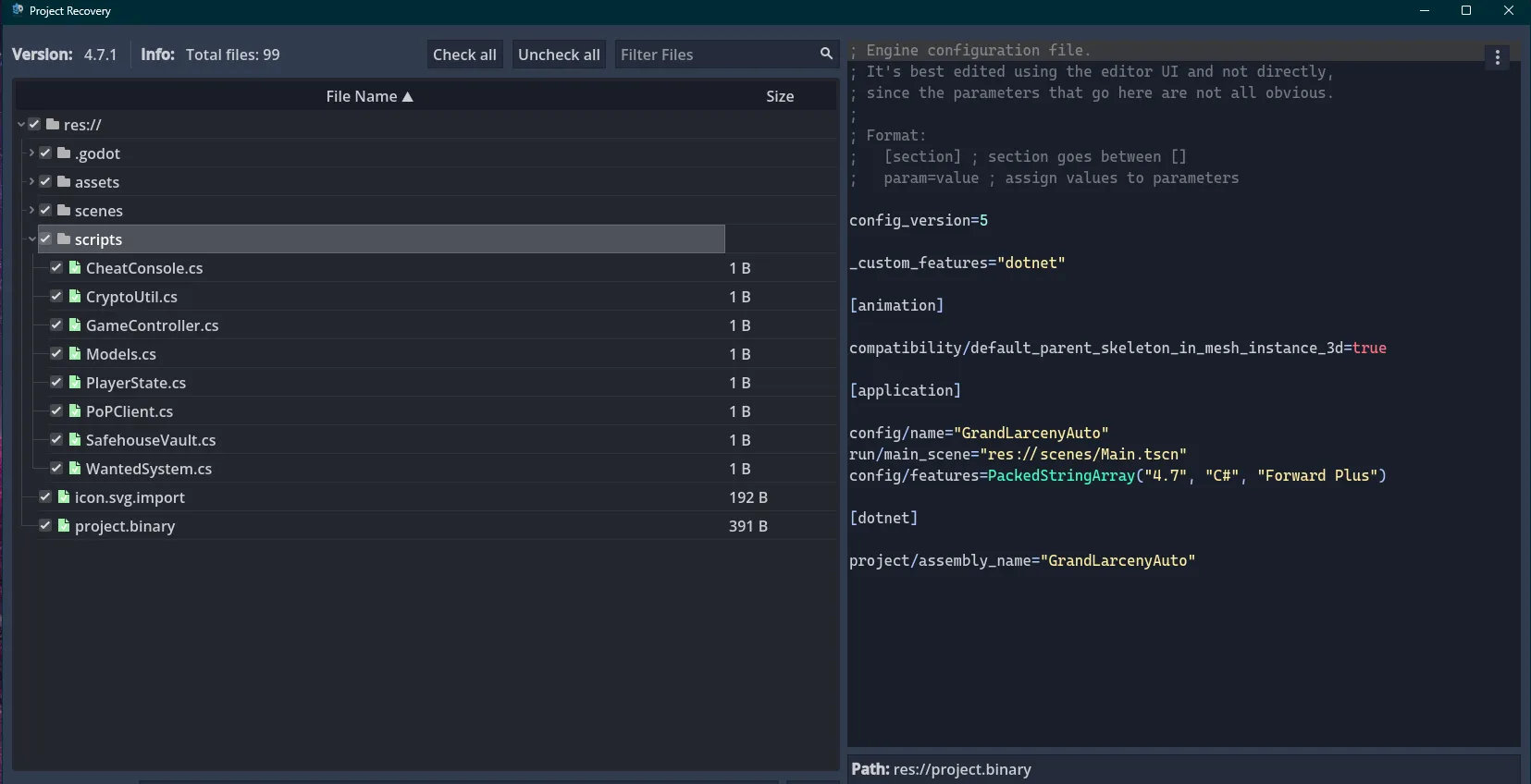
The local vault and cheat console contained flag-shaped strings again. SafehouseVault.TryOpen() was especially direct:
public string TryOpen(){ _ = player.WantedStars; return "VAULT UNSEALED\nTHM{th3_v4ult_w4s_4_d3c0y}";}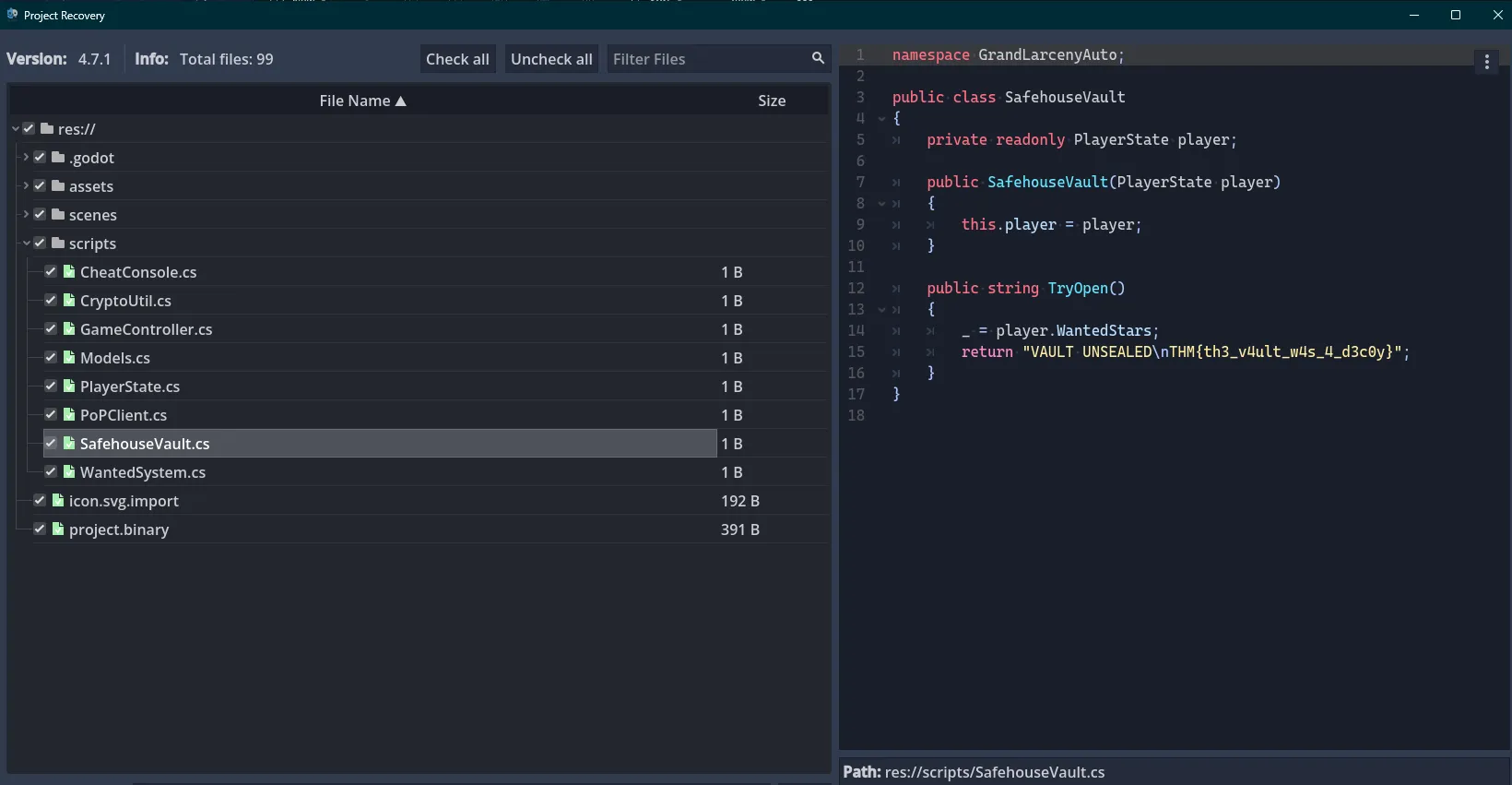
That made the direction fairly clear. The local game was bait, while PoPClient.cs contained the actual room logic. It opened a session against http://gla2.thm, stored a session ID and token, and received a three-item stash_order from the server.
public string ServerUrl = "http://gla2.thm";
private string sessionId = "";private string token = "";
public int[] StashOrder = new int[3] { 0, 1, 2 };
public void StartSession(){    Post("/session", "{}");}
Finding the request format
Section titled “Finding the request format”I initially opened /session in the browser and received 405 Method Not Allowed. That was useful because it confirmed the route existed but rejected a normal GET request.
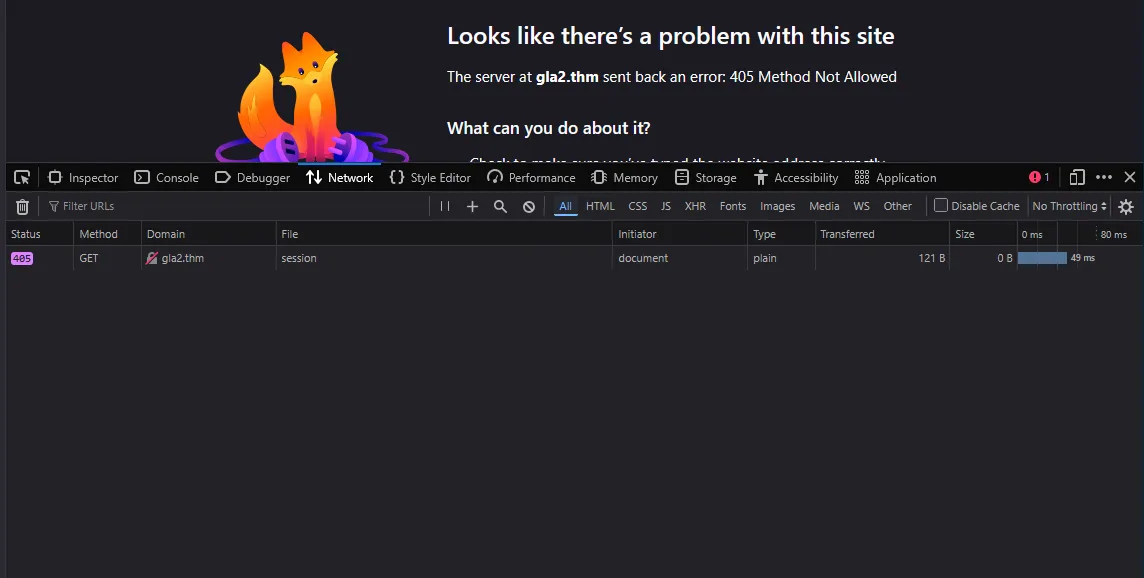
The decompiled client showed that every endpoint expected POST. My first PowerShell attempts also ran into a small tooling mismatch: curl was resolving to Invoke-WebRequest, so familiar options such as -X were rejected. Calling curl.exe explicitly gave me the command-line client I expected.
curl.exe -sS -X POST "http://gla2.thm/session" ` -H "Content-Type: application/json" ` --data '{}'The response established the three pieces of state I needed:
{ "session_id": "<SESSION_ID>", "stash_order": [2, 0, 1], "token": "<TOKEN>"}I recognized the general JSON request structure, but the rules connecting those values were less familiar. ReportCheckpoint() provided the exact format. It joined the session ID, checkpoint name, and current token with pipe characters, signed that message, then sent the same values to /checkpoint.
string sig = Sign(sessionId + "|" + step + "|" + token);
Post("/checkpoint",    "{\"session_id\":\"" + sessionId +    "\",\"step\":\"" + step +    "\",\"token\":\"" + token +    "\",\"sig\":\"" + sig + "\"}");
Sign() used HMAC-SHA256 with a key embedded in the client. HMAC uses a secret key with a hash function to authenticate a message. In this room, even a correctly formatted JSON body failed if the signature had been generated from a slightly different message.
Getting heat5 wrong
Section titled “Getting heat5 wrong”My first manual checkpoint requests were malformed or incomplete, including a browser request that reached /checkpoint without the required JSON body and returned a server error.
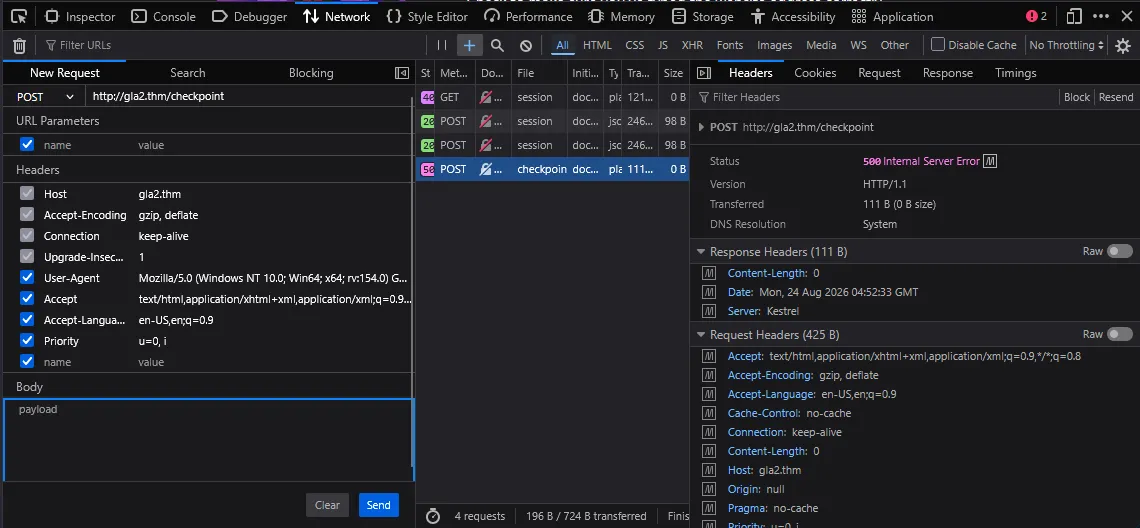
After that, I moved into IPython, an interactive Python shell, to calculate signatures while keeping the rest of the work in the terminal. I initially interpreted the route displayed by the game as a growing checkpoint name. For a stash order beginning with 2, I signed values such as:
heat5_stash2heat5_stash0heat5_stash1heat5_vaultAt first, my debug script only printed the HTTP 400 status, which did not explain what was wrong. I added response-body logging and ran it again. That exposed the server’s actual complaint:
{ "error": "wrong_order", "expected": "heat5"}heat5 was not a prefix to carry into every later checkpoint. It was the first checkpoint by itself. Each stash and the vault were also individual step values:
heat5 -> stash{order[0]} -> stash{order[1]} -> stash{order[2]} -> vaultThe long underscore-separated string did exist, which is why the mistake looked plausible, but it served a different purpose. DeriveStaffRole() built the complete history and hashed it with SHA-1 to produce the role sent during the final claim:
string history = "heat5_stash" + StashOrder[0]    + "_stash" + StashOrder[1]    + "_stash" + StashOrder[2]    + "_vault";
byte[] role = SHA1.HashData(Encoding.UTF8.GetBytes(history));
The individual step field and the combined role history were related, but they were not interchangeable.
The token kept moving
Section titled “The token kept moving”Correcting the first step exposed the next problem. The server enforced a delay before accepting heat5, returning 425 with too_fast when I sent it immediately. Once I waited long enough, the request succeeded and the response included both the next checkpoint and a new token.
{ "ok": true, "step": "heat5", "next": "stash1", "token": "<NEW_TOKEN>"}I initially sent stash1 using the token from /session and received:
{ "error": "bad_token"}The decompiled OnCompleted() handler explained it. Whenever a response contained token, the client replaced its stored value before making the next request:
if (response.ContainsKey("token")){ token = (string)response["token"];}That changed my model of the room. The session did not have one reusable bearer token. Every accepted checkpoint advanced the state machine and rotated the token, so the next HMAC had to be calculated from the newly returned value. The server’s next field was also more reliable than manually rebuilding the sequence.
Automating the repetitive part
Section titled “Automating the repetitive part”Working in IPython helped me verify the signing calculation, but restarting it for each checkpoint meant repeatedly importing hmac and hashlib, restoring the key, rebuilding the message, copying the digest, and returning to curl.exe. A couple of those fresh shells failed with NameError because an import or variable had not been recreated.
At that point I automated the repetitive state handling:
step = "heat5"
while step:    message = f"{session_id}|{step}|{token}"    signature = hmac.new(        SIGN_KEY.encode(),        message.encode(),        hashlib.sha256,    ).hexdigest()
    result = post_checkpoint(session_id, step, token, signature)    token = result["token"]    step = result.get("next")
I also handled the server’s timing response by reading need and got, waiting for the remaining interval with a small buffer, then retrying the same checkpoint. Successful responses rotated the token. A too_fast response did not.
After the route completed, I derived the staff role from that session’s stash order and signed the separate claim message:
history = (    f"heat5_stash{stash_order[0]}"    f"_stash{stash_order[1]}"    f"_stash{stash_order[2]}_vault")staff_role = hashlib.sha1(history.encode()).hexdigest()
claim_message = f"{session_id}|claim|{token}"claim_signature = sign(claim_message)
The final successful session followed this order:
heat5 -> stash0 -> stash1 -> stash2 -> vault -> claimEach step returned the next name and a replacement token. Once the final /claim used the derived staff role, the current token, and an HMAC over session_id|claim|token, the server returned the accepted flag:
THM{Th4ts_th3_wr0ng_g4m3_t0mmy}This room started almost exactly like Grand Larceny Auto, but the familiar decompilation was only the entry point. The part I enjoyed most was untangling the boundary between what looked like one route on the HUD and what the server actually expected as a sequence of stateful requests. The failed attempts were useful here because each distinct response, wrong_order, too_fast, and bad_token, revealed another rule of the protocol.
Takeaways
Section titled “Takeaways”heat5_stash...represented the complete history used to derive the staff role, while/checkpointexpected one step name at a time.- The session token rotated after every accepted checkpoint, so every following HMAC had to use the newest response value.
- Manual requests were useful for learning the format, but a short loop was much less error-prone once the work became repeated state tracking.